Upload photos. Build your catalog.
Start with the WhatsApp product photos you receive from manufacturers. Create catalog entries, then review style codes, prices, colours, sizes and stock.
Upload the product pictures your manufacturers send, build a catalog, share it with buyers and collect orders with the right colours, sizes and variants.
Start with the WhatsApp product photos you receive from manufacturers. Create catalog entries, then review style codes, prices, colours, sizes and stock.
Share the reviewed catalog with your retailer network on WhatsApp. Give buyers a clear way to explore the range and ask for the styles they want.
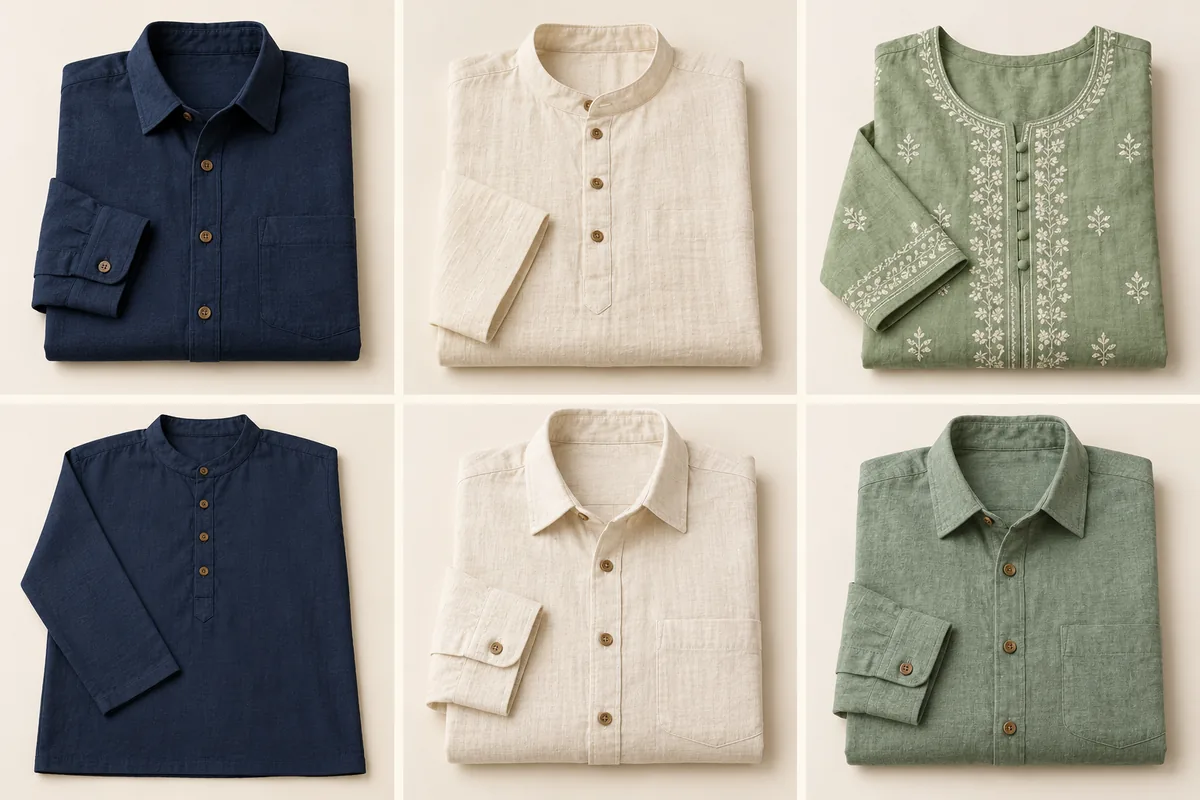
Bring style, colour, size and quantity into each order line, so a navy medium and a cream large never become one vague request.
Upload the product images you already receive on WhatsApp to create your catalog. Review the product details so each style has a clear identity.
 10:42 AM
Distribute the reviewed collection to buyers through WhatsApp. Product pictures and organised details help the retailer move from browsing to an order.
New collectionCapture colour and size selections alongside the style code. Review quantities and stock for each variant before the order moves to packing.
Example conversations and businesses shown for illustration.
Run your operations with Mulltiply ERP, or discuss connecting the Marg, Tally or Busy setup your team already uses. Configure the order lifecycle around your catalog, responsibilities and review steps.
Illustrative stages. Configure your lifecycle and confirm the integration scope during onboarding.
Use clear catalog variants and SKU identifiers. The order workflow should collect or clarify the exact combination before confirmation.
Yes. Upload the product photos you receive from manufacturers to create catalog entries. Review style codes, colours, sizes, prices and stock, then share the catalog and collect variant-specific orders.
Sales analytics and customer enquiry context can help your team review product interest. Available detail depends on how your catalog and order data are configured.